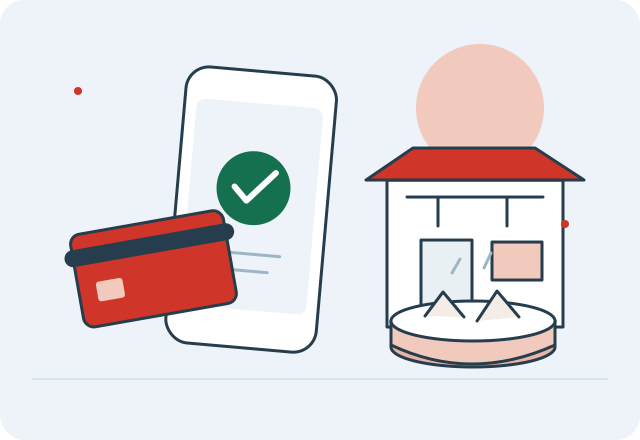
Get set up in three steps
- Download and register. Use the official Alipay app and a phone number you can receive verification messages on.
- Add an eligible card. Follow the app’s card-linking prompts. Check that overseas transactions are allowed by your bank.
- Finish the checks. Complete identity verification if the app asks for it, and read the terms shown for your account.
Two different moments at the counter
You may be asked to scan a merchant’s code or present the payment code in your own app. Follow the merchant’s instructions and the official app’s prompts. Check the merchant and amount before authorizing anything; the illustration in this guide is not a usable payment code.
When you enter an amount yourself, pause before confirming. Keep the payment result available until the merchant acknowledges it. If the outcome is unclear, inspect your transaction record before trying again.
See the preparation sequence
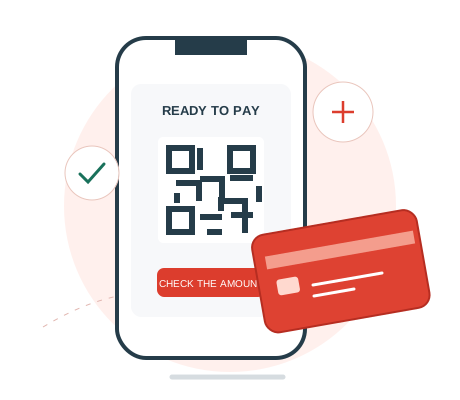 ILLUSTRATED GUIDE / NO REAL PAYMENT CODE
Your first dumpling
should be the easy part.
Alipay and WeChat Pay are worth preparing at home. Linking a card is one step; knowing what to do at the counter is the next.
Register. Link. Check.
Install the official app, register with a number you can receive messages on and add an eligible international card. Complete any requested identity checks. Keep access to your bank’s verification method.
If your linked card is declined
A linked card can still fail on a particular transaction. Read the message shown by the app and check whether your bank needs you to approve the payment. If necessary, contact the app or card issuer through its official support channel.
Have another way to pay ready instead of repeatedly retrying an uncertain transaction. Never share card numbers, verification codes or account credentials with someone offering informal help.
Keep the money side understandable
Separate three questions: whether the merchant accepts the method, whether your linked card is eligible and what fees apply to this payment. Read the app’s final screen and your bank’s terms. A successful registration does not answer all three.
Know what a linked card does
Alipay’s visitor guidance covers everyday merchant purchases. It distinguishes those payments from personal transfers, red packets and financial services. A successfully linked card does not imply that all features are enabled.
Check the amount, currency, any service charge and your bank’s exchange terms before approving a payment. Do not rely on a fee threshold from an undated travel post.
Build in a payment backup
Keep a physical card, some renminbi and your bank’s support details available. Charge your phone before heading out. Arrange mobile data so you can open payment apps when you are away from Wi-Fi.
Read the official walkthrough
Alipay+ visitor guide ↗ · Reviewed 5 November 2026. The app’s current prompts and your card issuer’s terms take precedence.
Questions before you go
Can I link a foreign card to Alipay?
Alipay supports eligible international cards for everyday merchant payments. Complete the app’s registration and any verification it requests.
Does linking a card enable personal transfers?
No assumption should be made. Alipay distinguishes merchant payments from transfers and other financial functions. Check the terms for your account.
What if my payment result is unclear?
Check the transaction record and ask the merchant to check before retrying. Use official support for account problems and keep a backup way to pay.
Payments and cards, one page each
Sources & review notes
- Alipay+ visitor guide ↗ · Reviewed
Product prices use their own dates. Provider statements are not independent connection tests. Recheck time-sensitive details before booking.